09-09 - Input/Output
Dear Heavenly Father,
We start this day asking for your joy and strength in this moment when we are practicing these programming skills.
Please let this be a moment of true fellowship and character building in our community of learning.
Be with us in any difficulties we face. Give us a disposition to help, and humility to be helped.
Give us wisdom to discern your beauty and justice as we write these Python programs.
May everything we do and learn here be offered to you in praise, gratitude and service to our neighbors.
In Jesus name we pray. Amen.
Retrieval
- Which statement correctly describes the relationship between a variable and an object in Python?
A variable is a function that defines an object.
A variable points to the memory location of an object.
A variable is a unique identifier within a class, while an object is a function.
A variable can only store primitive data types, whereas an object stores complex data types.
Given the following Python code snippet:
Identify the data types of the variables x, y, z, and w.
Review the following Python code snippet:
What is the problem with the variable name def in this code, and how can it be corrected?
Review the following lines of code, each involving the assignment operator (=). Determine whether the assignment is correct or incorrect for each line. Justify your answer, and if a line contains an error, provide the correct version of the code.
length * width = areanum = 3.14x, y, z = 1, 2, 310 = ten_value
- Which of the following lines of code correctly increments the variable
scoreby5?
score = score + 5score = score - 5score += 5score =+ 5
- Consider the following Python code snippet:
What is the problem with this code when attempting to swap the values of a and b, and what will be the final values of a and b?
Input and Output
- Programming is nothing without the design of an interface!
- I have to be able to input data in the program, and
- I have to be able to get results (output) from the program.
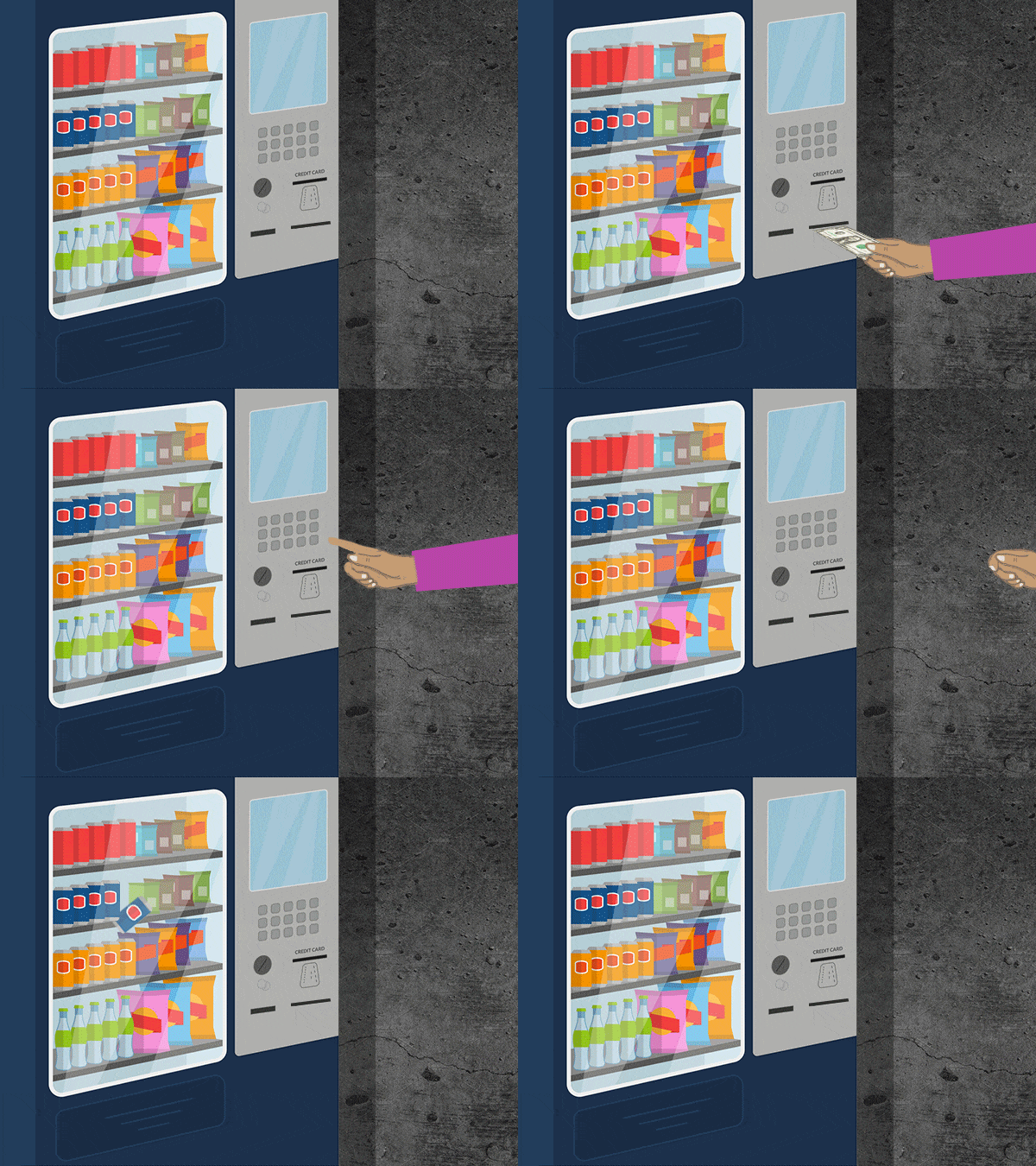
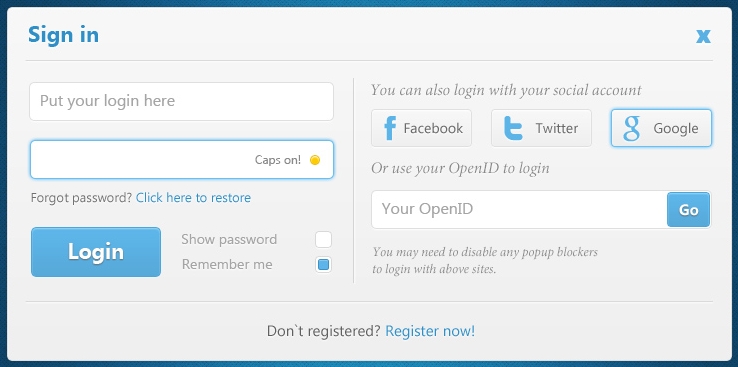
Graphical input/output
- Also called Graphical User Interface (GUI) - we’ll study it in Unit 10
- Kind of mimics the way we use mechanical input and output
- Traditionally, WIMP (Windows, Icons, Menus and Pointers)
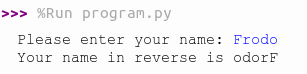
Text input/output
- Even simpler, however, it is a good start for programming!
The command-line interface will ask for input from our keyboard, and then:
Python text output: print()
- Put what you want to print between the parentheses:
print("Hello World") - If you want to jump to a new line, use
\n:print("Hello\nWorld") - You can also pass multiple arguments by separating them with commas:
print("x has the value:", x, "\nand y has the value:", y)
Python text input: input()
- The command waits until the user types some text in the command-line interface and finishes with ENTER
- The term
input()“turns” into the text entered, and is ALWAYS an object the typestring! - Thus, it needs to be saved into a variable:
x = input()- After the user types “Hi”, for example, it is as if:
x = "Hi"
- After the user types “Hi”, for example, it is as if:
- You can customize an input message by passing a string:
Input of numeric values
- Now, suppose we want to calculate the sum of two numbers:
What happened???
Converting string to number types
- You can convert a string to a number using the methods
int()andfloat()- The string that goes inside the parentheses (which we call the “argument” of the method) will be turned to an integer/float
- Just make things shorter by chaining one method into another!
Programming Style
Like in any language, style and form makes a BIG difference. One could say that it doesn’t matter once it works, however, that is a very narrow way to understand human expression…
Sometimes there are multiple ways to write code that works, but many of them are not be hospitable. As an example:
This is very concise, however, it is not readable. It is a monster of an expression!
What would happen if we just rewrite it like this?
It is more code, however, it is much more readable… (Don’t care about not understanding all the syntax now, we’ll see that later).
- Some programming style tips:
- Lack of comments is a problem. But too much commenting is also a problem.
- Bad naming of variables and functions: for example, abstract names as “variable1”, or names that don’t reflect exactly what is their purpose.
- Spacing usually doesn’t matter for the working of code, but it can be a problem for reading.
- Follow community standards. Read other people’s code and learn. Develop a common understanding.
- Isn’t it good to find yourself in known territory, with same languages, habits, food?
- An interesting question: could there be some “strange” habits in Python programming for people with cultural backgrounds different from American, white and men?
Python has a nice style guide available. It is good to consult it once in a while.
Hospitable code
Professor Victor Norman, from Calvin, wrote a nice article calling attention to an important practice: we should always aim to write hospitable code.
You should read the whole article when you have time, but just to summarize some of the points:
- Not only the function, but also the form of the code matters, to me and to God.
- A common saying in the software development community: “code is written once, but read a thousand times”.
- Therefore, because you care for your neighbor, you should serve them by making your code hospitable: “code that welcomes the reader to come in and be comfortable, to enjoy the cleanliness of the code, to feel at home, and to see that the space has been carefully prepared with guests in mind.”
Hospitable code in the scientific and engineering community?
There is a common perception that software written for scientific and engineering communities are the worst documented and organized ever. People usually think that since we are dealing with experts, it would be a waste of time to just make things clean and organized.
- Thus, reflect: as Christians, is it really a waste of time to make things beautiful and welcoming? Or is it just getting to final result that matters?